How to make an operating system better

With Microsoft taking Windows in a direction that’s distinctly unappealing, it’s a pleasure to write about an operating system that’s actually being improved and enhanced in useful ways: Apple ProDOS.

You read that right: ProDOS. It’s a decades old system that runs on hardware nobody uses any more (Apple IIs), but with the dedicated efforts of a single developer, a new, greatly improved version of ProDOS was recently released as version 2.4.

Why am I so excited about this? Because operating systems are important. They form the core of all the computer systems we use daily. I want to use an O/S that’s reliable, fast, and mostly invisible. A good O/S provides this critical underpinning without compromising our privacy or trying to sell us anything.

As reported by Jason Scott on his ASCII blog, ProDOS 2.4 was a labour of love for its developer. He says:

“The current mainstream OS environment is, frankly, horrifying, and to see a pure note, a trumpet of clear-minded attention to efficiency, functionality and improvement, stands in testament to the fact that it is still possible to achieve this, albeit a smaller, slower-moving target. Either way, itโ€™s an inspiration.”

I agree completely. There’s no reason for a new version of an operating system to ever get worse. This really applies to all software, but it’s especially important for operating systems. Microsoft would do well to look at this project and learn from it.

If you happen to have an old Apple II lying around (as I do), you can run ProDOS 2.4 on it. Otherwise, you’ll need to use an Apple II emulator like AppleWin.
Someone out there is testing the Internet’s breaking point

Security analyst Bruce Schneier reports on the recent increase in Distributed Denial of Service (DDoS) attacks against critical Internet infrastructure. He’s unable to go into details about exactly which companies and resources are involved, but the attacks are real. Someone is engaged in a series of DDoS probes that are clearly meant to test the Internet’s ability to cope with extreme stress.

Most DDoS attacks are perpetrated by angry hackers against web sites they don’t like, or simply to demonstrate their skills. Underground DDoS attack services are available for those not possessing the requisite skills. But the attacks Schneier is talking about stand out: they’re much more calculated and methodical than usual.

Assuming that Schneier is correct, and someone is gathering information about the Internet’s potential breaking point, one can only wonder what they have in mind. If the perpetrators are – as Schneier suggests – a state actor like China, the possibilities are the stuff of nightmares.

Microsoft’s latest tactic for keeping us in line

I’m no longer in the Windows 10 Insider Preview program, but I still see Microsoft’s preview build announcements. The latest is for build 14926.

The announcement for build 14926 reveals yet another reminder that we are just pawns in Microsoft’s overall strategy. Anyone participating in the Preview program must allow Microsoft to update their Windows 10 computer, and if they don’t cooperate, the computer will stop working. Specifically, it will start rebooting itself every three hours, and if that doesn’t force your cooperation, eventually the computer will stop booting altogether.

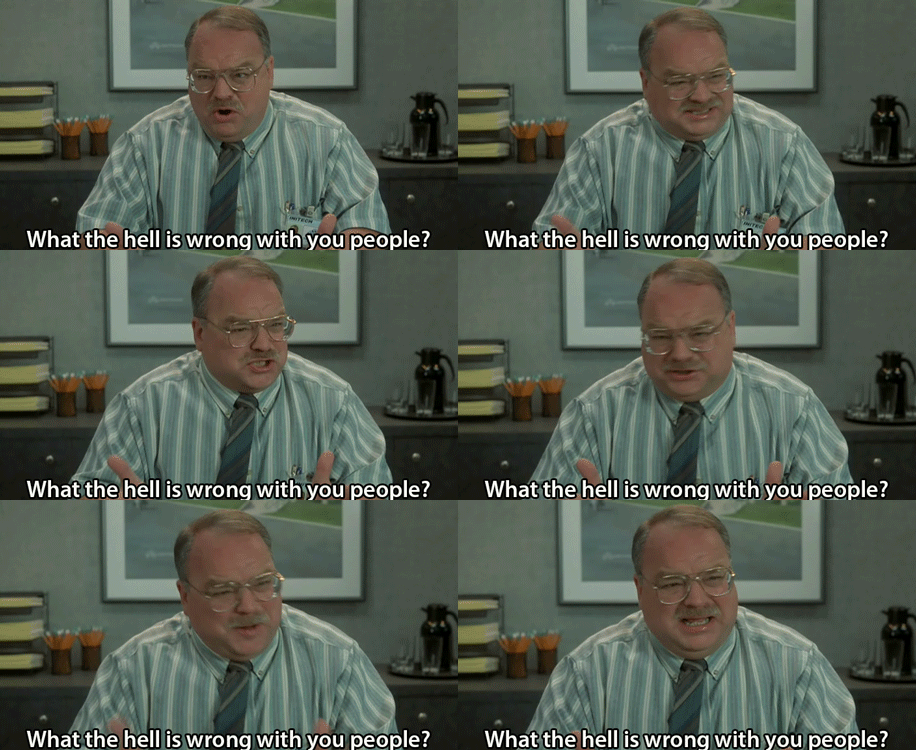
My reaction to this news (click for animated version).

Update 2016Sep22: The announcement for Windows 10 Insider Preview Build 14931 confirms that this is Microsoft’s new policy. No explanation is provided, although if pressed, I’m sure Microsoft would bloviate about ‘user experience’, ‘reliability’ and other things that sound good but deflect attention away from what’s actually going on, which is that Microsoft really wants to control what happens on your computer.

Windows 10 anniversary update will take months to complete

It’s been a month since the anniversary update was released, which has some people wondering why their Windows 10 computers haven’t yet been updated.

It turns out that Microsoft is being extraordinarily cautious, and doesn’t expect the rollout to be complete until November. Thankfully, the update can be installed manually using the Windows 10 Upgrade Tool.

Microsoft’s caution makes sense when you consider what they are doing with Windows testing. It appears that Microsoft is doing a lot less testing in-house, and pinning its hopes on user feedback. The anniversary update is being rolled out first to computers that – based on their hardware and configuration – are least likely to experience problems. This only confirms Microsoft’s disdain for power users, because they are much more likely to encounter problems.

If Microsoft hates power users so much, why don’t they just come out and say it. Then we can all just move to Linux and forget about Windows, except as an object of ridicule.

Chrome 53.0.2785.113

The announcement for Chrome 53.0.2785.113 highlights five security issues that are addressed in the new version. It points to this page for details, but currently nothing is listed there. According to Google, “Access to bug details and links may be kept restricted until a majority of users are updated with a fix.”

The full change log lists several dozen changes, most of which are minor bug fixes.

For most users, Chrome will update itself. To make sure you’re running the most recent version, click the menu button (at the top right; looks like three vertical dots), and select Help > About. If Chrome hasn’t already updated itself, this should trigger the update.

Patch Tuesday for September 2016

Microsoft’s contribution to our monthly headache is fourteen updates for their flagship software (Windows, Office, Edge, and Internet Explorer). Seven of the updates are classified as Critical. Over sixty separate vulnerabilities are addressed by these updates. One of the updates is for the version of Adobe Flash embedded in Internet Explorer 10 and 11, and Edge.

Not wanting to be left out, Adobe once again brings its own pile of patches to the table. Flash 23.0.0.162 includes fixes for at least twenty-six vulnerabilities. Google Chrome will update itself with the new Flash, and Internet Explorer 10 and 11, and Edge, get the new Flash via the update mentioned above. For all other browsers, simply visit the main Flash page to check your Flash version and update it as needed.

Cory Doctorow on the future of the privacy wars

Noted writer and technology analyst Cory Doctorow just posted a new article on the Locus Online web site: “The Privacy Wars Are About to Get A Whole Lot Worse.”

After providing some background on the current privacy situation, and how we got here, Doctorow speculates on what will happen when even the absurd notice-and-consent terms of use agreements that we see (and blindly agree to) every day are gone, leaving us surrounded with devices that invade our privacy without any pretense at consent, all in the name of commerce.

In case you hadn’t guessed, we are talking about the Internet of Things. Despite plenty of warnings from privacy advocates, and numerous real-world examples of the consequences to privacy of poorly-designed devices, the current move toward ‘smart’, connected devices continues apace. And these devices won’t ask for your consent, they’ll just compromise your privacy by default.

Meanwhile, Doctorow wonders whether and when this will come to a head with some kind of legal challenge. There have been attempts to challenge the validity of terms of use agreements that nobody ever reads, but so far the results are not promising.

I’d like to see Microsoft singled out for its current Windows strategy, which includes gathering and transmitting user information, ostensibly for the purpose of providing better support, but which can also be used to better target advertising, another feature of newer versions of Windows. To be sure, these features are currently protected behind terms of use agreements, but even those could disappear in a world dominated by smart devices.

Doctorow is worried about this, and so am I.

Vivaldi 1.4

A new release of Vivaldi features enhancements to theme support, including theme scheduling. Panels can now be different widths, and middle-clicking the garbage icon now restores the most recently closed tab.

Wait. Theme scheduling? Does anyone really need this? Frankly, I wish the Vivaldi developers would focus on the core issues, like tabs, bookmarks, and link handling, which are still a mess, in my opinion. Why is Vivaldi the only browser that doesn’t highlight the contents of the address bar on right-click?

The Vivaldi 1.4 release announcement has additional details, including a complete list of changes.

Rants and musings on topics of interest. Sometimes about Windows, Linux, security and cool software.